When you hear “Copilot,” you probably think of Microsoft’s AI virtual assistant – and you’d be right. But Copilot isn’t just one tool. Today, there are 15+ different Copilots, each built for specific apps, business scenarios, or technical roles. And on top of that, there are AI Agents designed for very focused tasks.
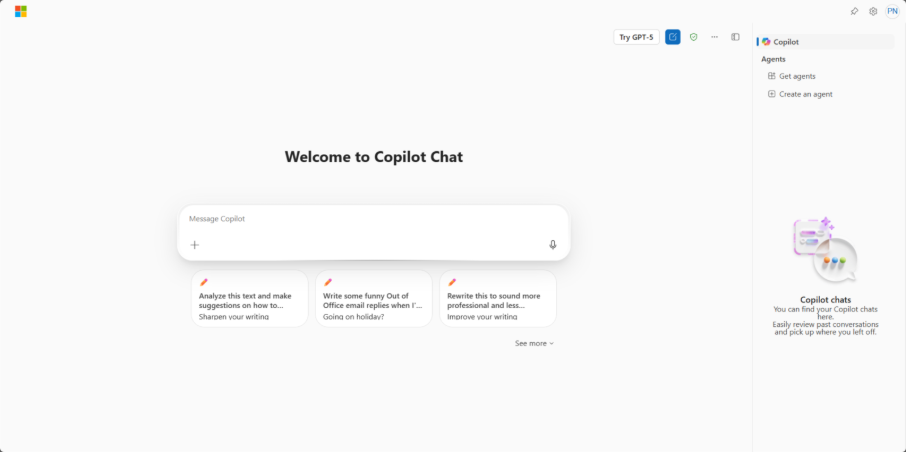
Copilot vs. Agent - what’s the difference?
- Copilot – a broader virtual assistant that can help you with multiple topics and tasks within its area (e.g., writing documents, analyzing data, creating presentations).
- Agent – a specialized assistant that performs one specific task: often working inside a Copilot.
Examples of Agents:
Customer Data Platforms enable organizations to effectively manage customer data, improve marketing performance, and support strategic decision-making related to customer engagement.
- For MS Teams: Facilitator for AI Notes, Facilitator for Meetings, Interpreter Agent.
- For Dynamics 365 Sales: Sales Qualification Agent.
- For Dynamics 365 Customer Service: Case Management Agent, Customer Intent Agent, Knowledge Management Agent, Customer Knowledge Management Agent.
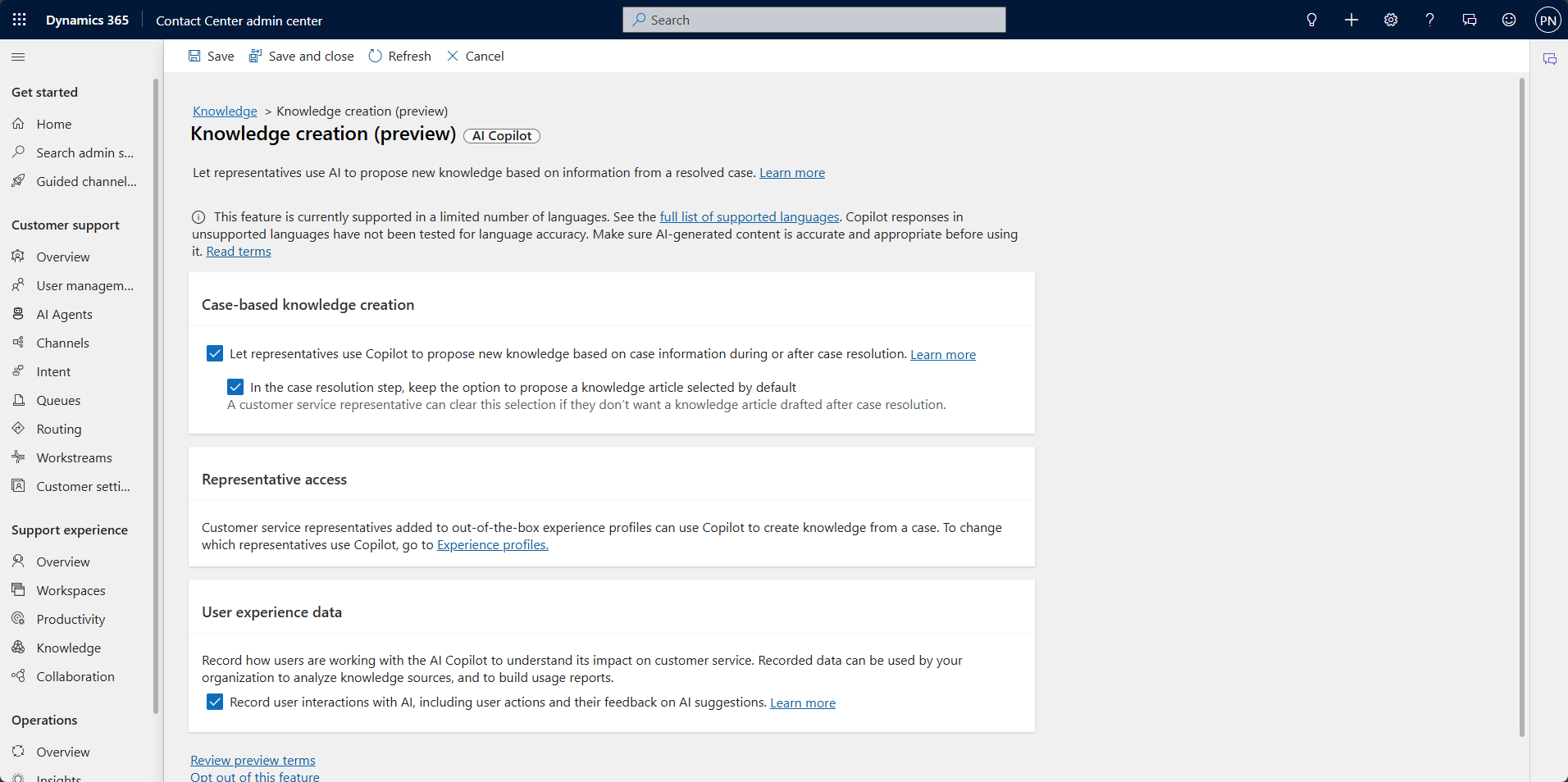
The Copilot landscape
This section breaks down each Copilot so you know exactly what’s available and how it can help.
General-purpose Copilots
Microsoft Copilot (Free)
- Features: AI chat, image generation (DALL·E 3), web search, summarization, productivity tips.
- Platforms: Bing, Edge, Windows, Microsoft Start, mobile apps.
- Use case: Personal productivity, casual use.
Microsoft Copilot Pro
- Features: Priority GPT-4 Turbo, faster performance, 100 image boosts/day, deep Microsoft 365 app integration (Word, Excel, PowerPoint, Outlook).
- Use case: Power users with M365 Personal/Family plans.
- Use case: Personal productivity, casual use.
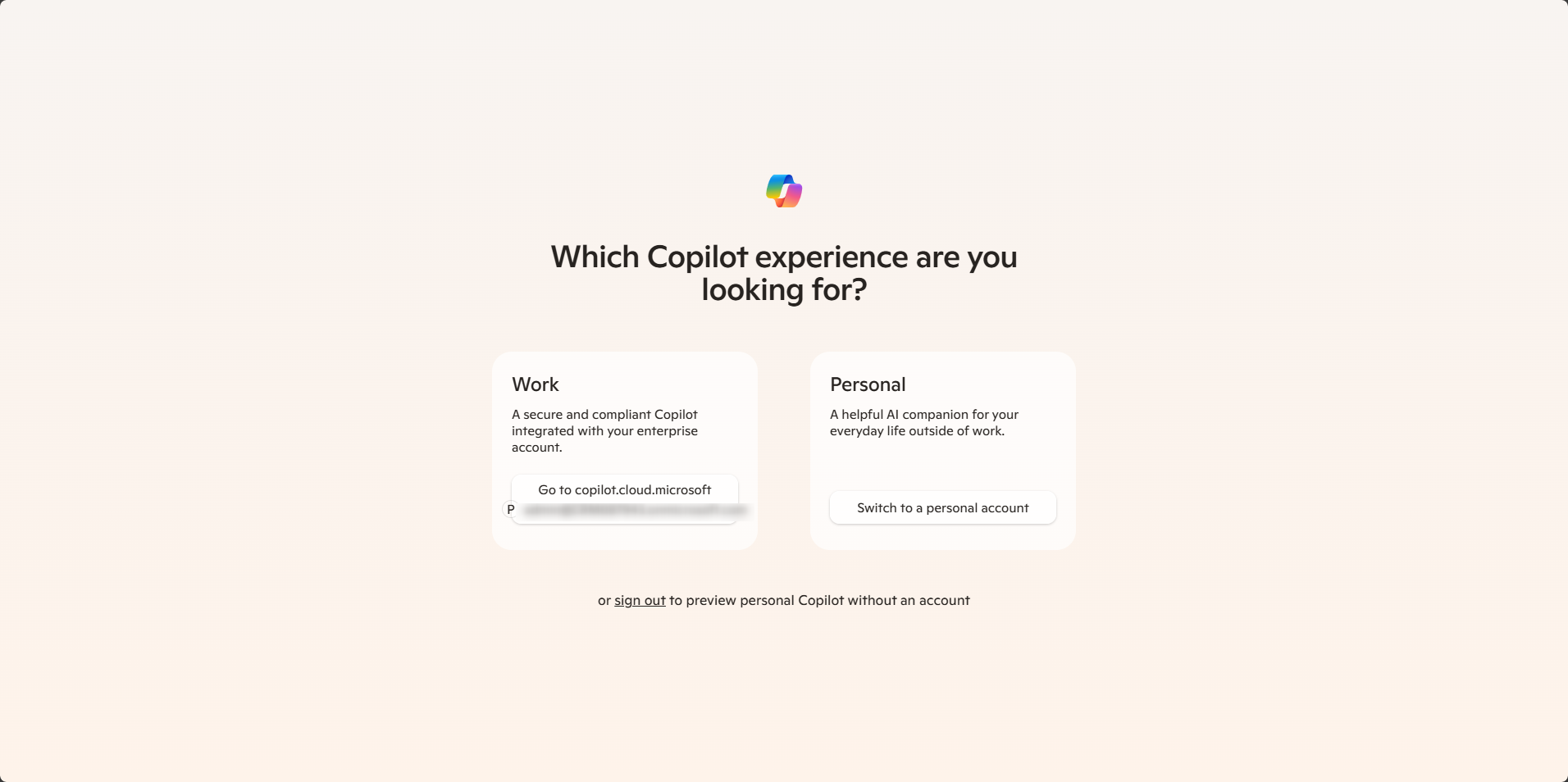
Enterprise productivity
Microsoft 365 Copilot
- Features: Works across Word, Excel, PowerPoint, Outlook, Teams; uses Microsoft Graph for insights; meeting summaries, doc generation, business chat.
- Use case: Boost enterprise productivity, collaboration, and workflow automation.
M365 App-Specific Copilots:
- Word: Draft, summarize, rewrite documents.
- Excel: Analyze data, create formulas, generate charts.
- PowerPoint: Analyze data, create formulas, generate charts.
- Outlook: Summarize threads, draft emails.
- Teams: Summarize meetings, list action items.
- OneNote: Organize and summarize notes.
Security and IT
Microsoft Security Copilot
- Features: Threat analysis, incident response, posture management; integrates with Defender, Purview, Intune.
- Use case: Security operations, threat hunting, compliance.
Microsoft Copilot in Azure (Preview)
- Features: Manage cloud infrastructure, optimize costs, monitor resources.
- Use case: IT admins, cloud engineers.
Developer tools
GitHub Copilot
- Features: Code suggestions, autocompletion, inline documentation, bug fixes.
- Use case: Software development support.
Power Platform Copilots
- Power Apps Copilot – Build apps using natural language.
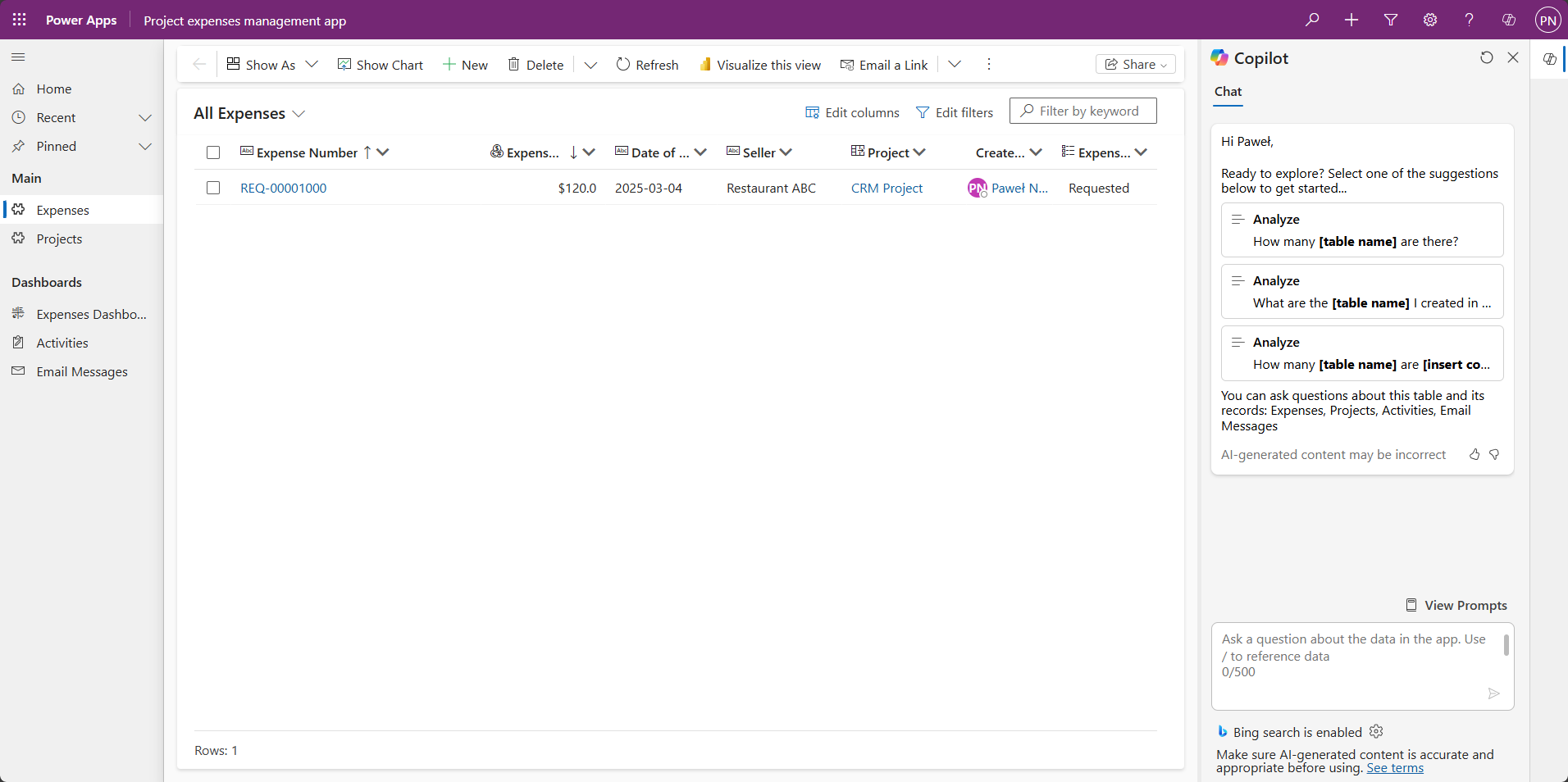
- Copilot in Model-Driven Apps – Summarize data, answer data questions, integrate knowledge sources.
- Copilot in Canvas Apps – Similar to above, but for custom UI apps.
- Power Pages Copilot – Build secure websites quickly.
- Power Automate Copilot – Create workflows from prompts.
- Power BI Copilot – Query data in plain language, get visual insights.
Dynamics 365 (Business Applications and AI Business Process)
- Copilot for Sales / in Dynamics 365 Sales – CRM insights, email drafting, customer summaries. Licensing: Copilot in Dynamics 365 Sales is included with standard D365 Sales Enterprise and Premium licenses. Copilot for Sales requires an additional license.
- Copilot for Service / in Dynamics 365 Customer Service – Ticket summaries, suggested replies, issue tracking. Licensing: Copilot in Dynamics 365 Customer Service is included with standard D365 Customer Service Enterprise and Premium licenses. Copilot for Customer Service requires an additional license.
- Copilot in Customer Insights Journeys – Campaign creation, journey mapping, personalization.
- Copilot in Customer Insights Data – Data unification, segmentation, predictive analytics.
- Copilot for Finance – Reporting, forecasting, variance analysis.
- Copilot in Finance and Operations – Supply chain insights, financial planning, operational analytics.
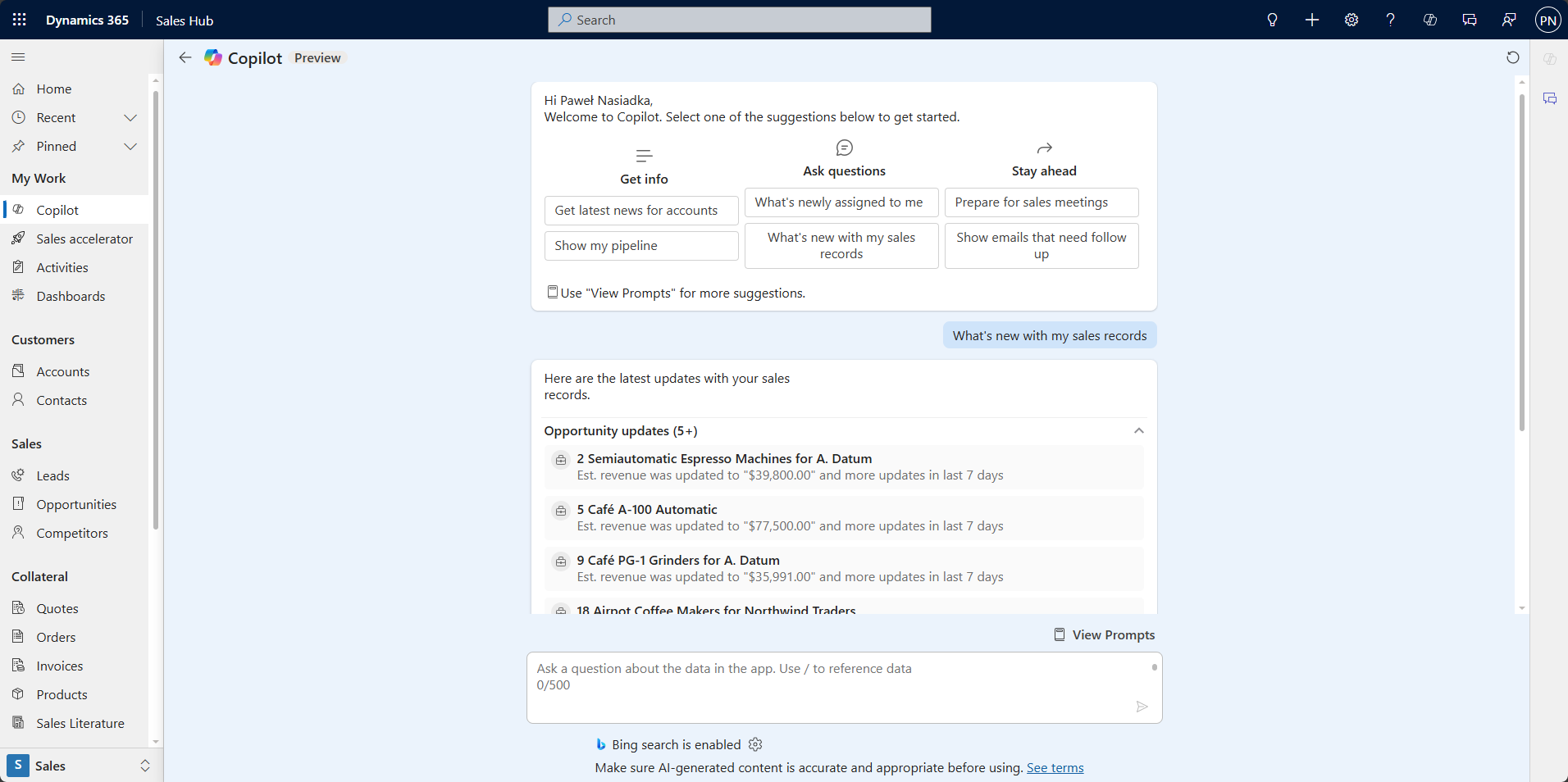
Copilot in Dynamics 365 Sales Hub
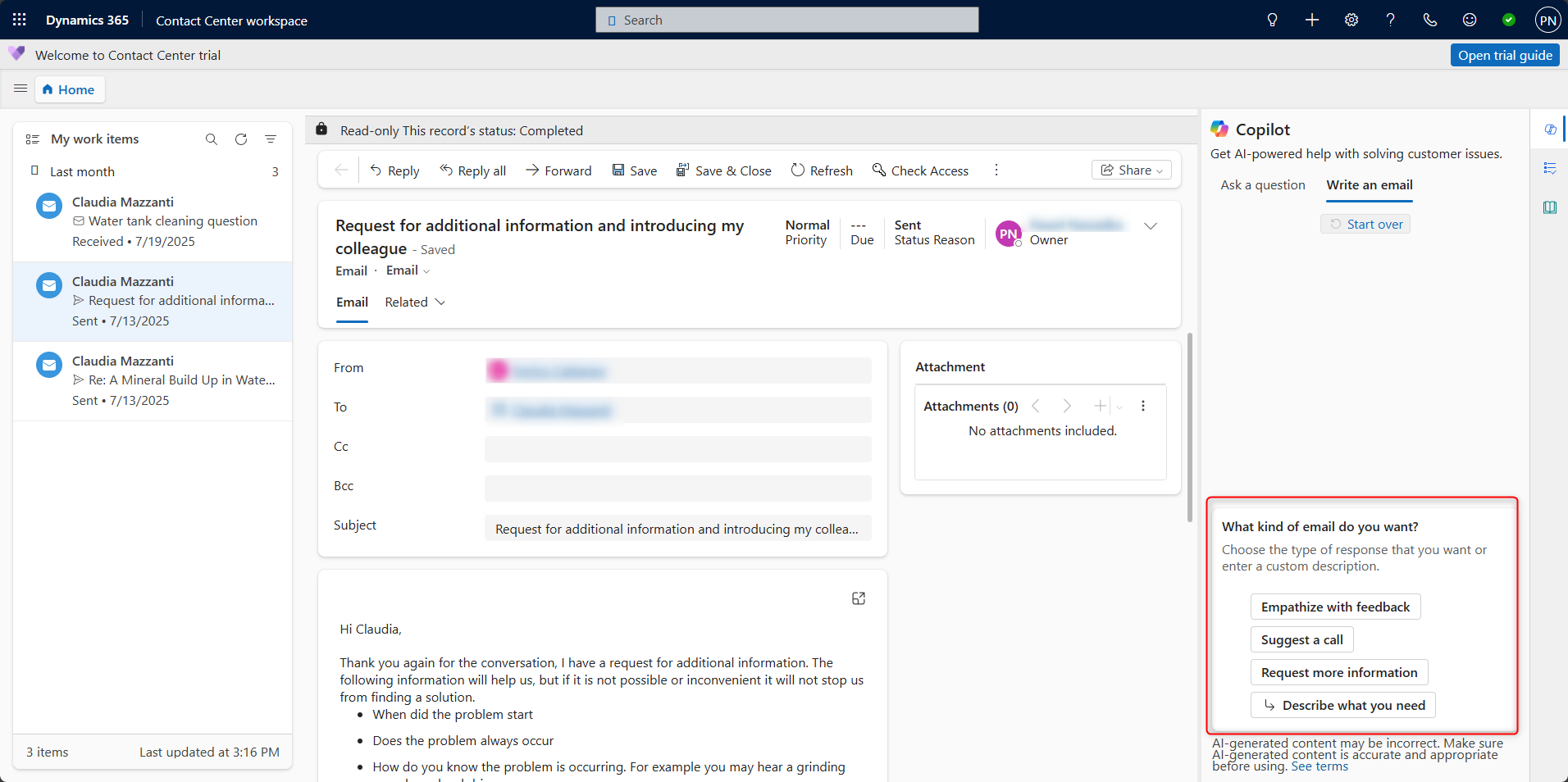
Copilot in Dynamics 365 Contact Center workspace
Microsoft Copilots summary table
| Copilot | Main features | Area of application | Use case examples |
|---|---|---|---|
| Microsoft Copilot (Free) | Chat, search, image generation | General productivity | Summarize articles, generate images, answer questions |
M365 Apps Copilots
| Copilot | Main features | Area of application | Use case examples |
|---|---|---|---|
| Microsoft Copilot Pro | GPT-4 Turbo, M365 app integration | Personal productivity | Draft reports in Word, analyze data in Excel |
| Microsoft 365 Copilot | Integrated with M365 apps, Graph data | Enterprise productivity | Create presentations, summarize meetings, draft emails |
| Word Copilot | Drafting, rewriting, summarizing | Document creation | Generate contracts, rewrite proposals |
| Excel Copilot | Data analysis, formula generation | Data management | Identify trends, create dashboards |
| PowerPoint Copilot | Slide creation from prompts | Presentations | Build decks from briefs |
| Outlook Copilot | Email summarization, drafting | Communication | Summarize threads, suggest replies |
| Teams Copilot | Meeting summaries, action items | Collaboration | Generate follow-ups, summarize discussions |
| OneNote Copilot | Note organization, summarization | Knowledge management | Categorize notes, summarize research |
Enterprise Copilots
| Copilot | Main features | Area of application | Use case examples |
|---|---|---|---|
| Security Copilot | Threat analysis, incident response | Cybersecurity | Investigate phishing, automate compliance |
| Azure Copilot | Resource management, cost optimization | Cloud infrastructure | Optimize VM usage, monitor performance |
| GitHub Copilot | Code suggestions, autocompletion | Software development | Generate functions, refactor code |
Power Platform Copilots
| Copilot | Main features | Area of application | Use case examples |
|---|---|---|---|
| Power Apps Copilot | App creation via natural language | Low-code development | Build leave tracker app |
| Copilot in Model-Driven Apps | AI assistance in structured apps | Enterprise apps (Dynamics) | Suggest form logic, summarize records |
| Copilot in Canvas Apps | AI in custom UI apps | Custom low-code apps | Generate formulas, assist with layout |
| Power Automate Copilot | Workflow automation via prompts | Process automation | Create approval flows |
| Power BI Copilot | Natural language insights | Data analytics | Ask “Top regions” and get visuals |
| Power Pages Copilot | Website creation, form automation | Web development | Build customer portal |
Dynamics 365 (AI Business Process) Copilots
| Copilot | Main features | Area of application | Use case examples |
|---|---|---|---|
| Copilot for Sales / D365 Sales | CRM insights, email drafting | Sales productivity | Summarize interactions, suggest follow-ups |
| Copilot for Service / D365 Customer Service | Ticket summaries, response suggestions | Customer support | Recommend replies, summarize cases |
| Customer Insights Journeys Copilot | Campaign creation, journey mapping | Marketing automation | Build personalized campaigns |
| Customer Insights Data Copilot | Segmentation, predictive analytics | Customer data analysis | Predict churn, segment users |
| Copilot for Finance | Reporting, forecasting | Financial operations | Generate cash flow reports |
| Business Central Copilot | ERP insights, invoicing | SMB operations | Monitor inventory, create invoices |
| Finance & Operations Copilot | Supply chain, financial planning | Enterprise ERP | Forecast demand, analyze KPIs |
Copilot Studio
Last, but not least! Copilot Studio is not a Copilot itself – it’s the platform that lets you create and customize them. While Copilots are ready-made AI assistants built by Microsoft for specific apps or tasks, Copilot Studio gives you the power to build your own Agents from scratch or extend existing Microsoft Copilots. You can connect them to your company’s internal data, add custom workflows, or automate unique processes. For example, you could add internal product knowledge to Copilot in Dynamics 365 Sales so the sales team can instantly get answers about your procedures, or create a payment-status check in ERP that works directly inside CRM.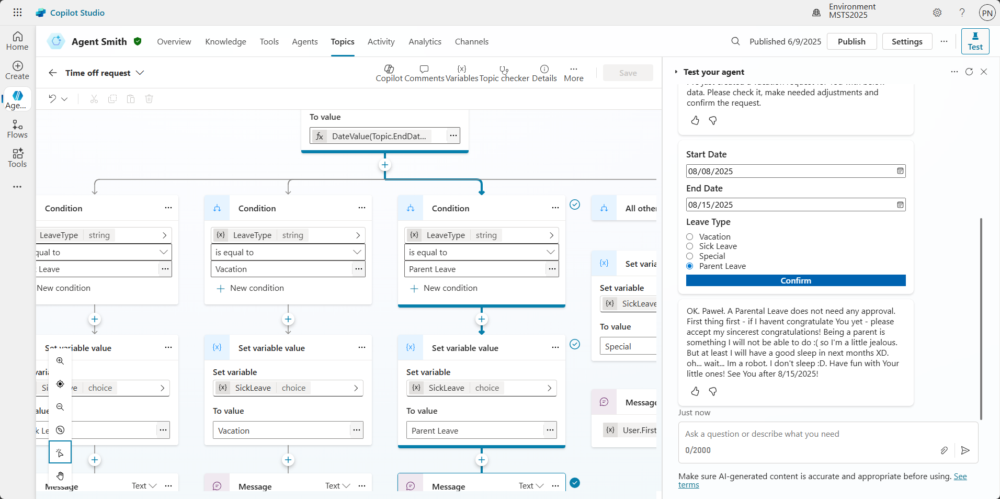
In summary, “Microsoft Copilot” covers a wide range of AI assistants tailored to specific business needs – from general productivity to industry-specific applications. Knowing the capabilities, use cases, and licensing details of each Copilot helps organizations choose the right tools and get the most value. With Copilot Studio, businesses can go even further, creating custom Agents that integrate seamlessly into their workflows.