Home / Solutions / Power Platform – low-code solutions

Intelligent Automation with Microsoft Power Platform

We help companies simplify their daily work by automating tasks, connecting systems, and using AI where it truly helps. Our team works with the Microsoft Power Platform to make your processes easier to manage and your data easier to understand. We focus on practical improvements that save time and reduce errors, while keeping Dynamics 365 and Power Platform at the heart of your business.

Our Intelligent Automation services

Digital Process Automation

Replace manual work with clear, step-by-step digital processes.

Power Apps

Increase business agility and allow users to quickly build low-code solutions to automate your processes.

Power Automate

Use the point-and-click flow designer to build your business logic, automate business process.

Power BI

Gain insight from your business data, build visual reports and connect to multiple apps.

Copilot Studio

Add AI to your processes to answer questions, spot patterns, and support better decisions.

Governance

Keep your Power Platform environment organized, secure, and easy to maintain.

Why work with Netwise

Automate the tasks that slow you down, connect the tools you already use, and make your business run more smoothly with Microsoft Power Platform.

We focus on real improvements, not complex IT for its own sake

We know Power Platform and Dynamics 365 inside out

We guide you from setup to daily use, so your team can work with confidence

We have 2 Microsoft MVPs on board bringing early access to platform innovations

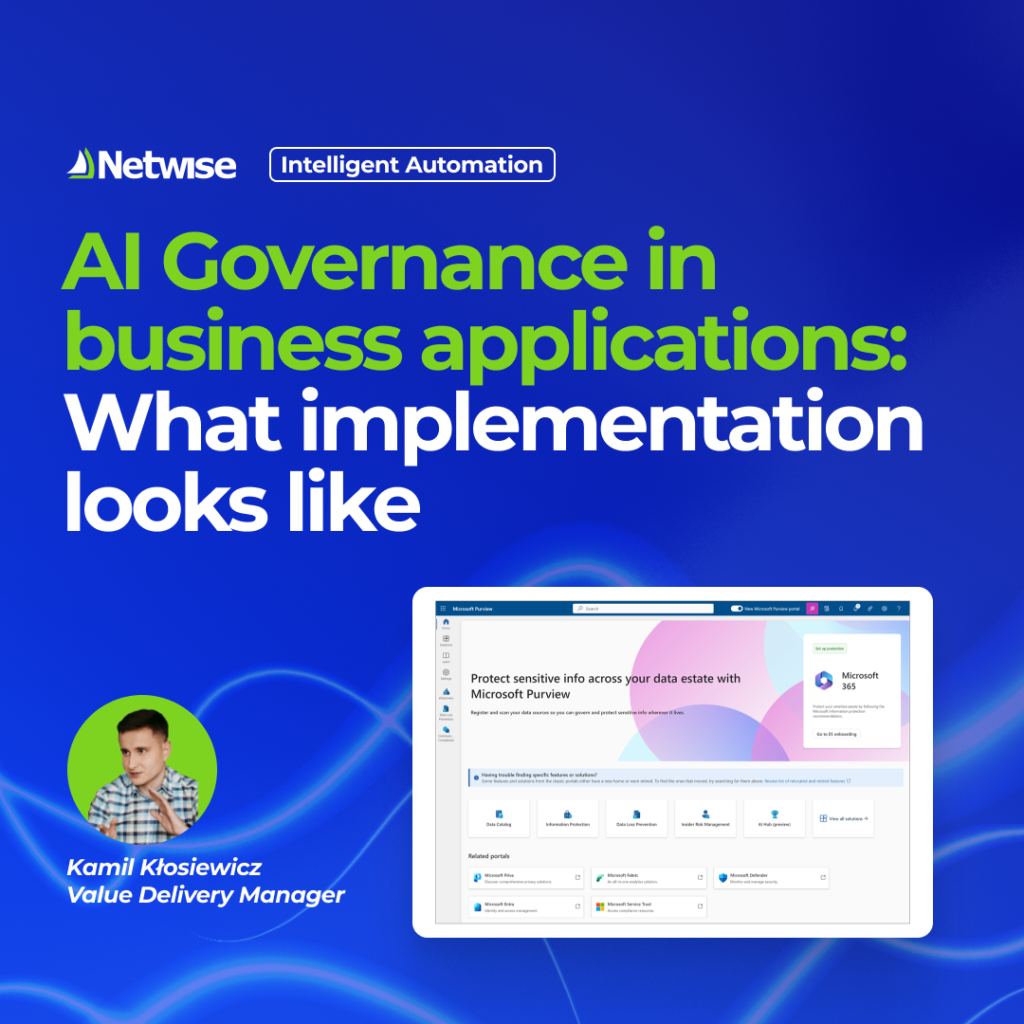
Kamil, our Value Delivery Manager and Power Platform expert.

Discover what’s possible with
Power Platform

Microsoft Power Platform is a low-code platform that lets you build apps, automate processes, analyze data, and create AI solutions without heavy coding.

It includes tools like Power Apps (for building apps), Power Automate (for workflows), Power BI (for analytics), and Copilot Studio (for AI agents). All of them work together and integrate with Microsoft 365, Dynamics 365, and other systems.

Microsoft Power Platform is made up of a few key tools that work together to cover different areas of business. At the core, you have Power BI for analytics and reporting, Power Apps for building applications, and Power Automate for automating workflows. On top of that, there’s Power Pages for creating websites and Copilot Studio for building AI-based chatbots and agents.

All of this is supported by Dataverse, which stores data, and connectors that let you integrate with other systems like Microsoft 365, Dynamics 365, or external tools.

Power Platform Center of Excellence (CoE) is a setup that helps organizations organize and control how Power Platform is used across the company. It brings together guidelines, tools, and processes to manage environments, control access, and monitor apps and flows. At the same time, it helps teams follow best practices and build solutions in a more structured way.

Overall, it makes it easier to scale Power Platform while keeping everything secure and under control.

Power Platform embeds AI and Copilot directly into its tools, allowing users to build apps, automate processes, and analyze data using natural language.

In practice, users can describe what they want to achieve, and tools like Power Apps or Power Automate assist in creating apps and workflows.

Additionally, AI Builder provides prebuilt AI models (e.g. document processing or predictions), while Copilot Studio enables building custom AI agents and chatbots.

Power Platform licensing gives you access to its main tools, such as Power Apps, Power Automate, and Power BI, depending on the plan you choose.

In most cases, it includes:

  • the ability to create and use apps and workflows
  • access to both standard and premium connectors
  • Dataverse capabilities and storage (in selected plans)
  • AI features like AI Builder, usually within defined limits

The exact scope varies based on the licensing model, such as per-user, per-app, or capacity-based plans.

Power Platform is a powerful set of tools, but like any platform, it has some limitations depending on how it’s used.

Common challenges include:

  • costs increasing with higher usage
  • limits on API calls, workflow runs, and storage
  • performance constraints in very complex or high-volume scenarios
  • reliance on connectors and their available functionality
  • the need for proper governance (e.g. CoE) to avoid sprawl

For more complex, large-scale, or performance-critical solutions, custom development can still be a better option.

Power Apps is designed for building applications, while Power Automate is focused on automating processes.

With Power Apps, you create user-facing apps for web and mobile, including forms, dashboards, and business interfaces.
Power Automate handles workflows in the background, such as approvals, notifications, and actions triggered by specific events.

In practice, they work best together – apps capture and display data, while workflows take care of the automation behind the scenes.


Power Platform lets you build different kinds of business solutions, depending on what you need.

In practice, teams use it to create simple internal apps (for example for approvals or inventory), automate everyday processes like onboarding or notifications, build dashboards, or set up customer portals and chatbots.

Most often, it’s used to make daily work easier, cut down on manual tasks, and connect data between different systems.

Power Platform is designed to work easily with other tools and systems.

It comes with a wide range of ready-to-use connectors for services like Microsoft 365, Dynamics 365, or external platforms such as SQL and Salesforce. If needed, you can also connect to custom APIs.

In practice, this means you can link different systems together, share data between them, and automate processes without complex integrations.

Want to build smarter solutions with Microsoft Power Platform?