
Deliver first-class customer interactions with an AI-powered, omnichannel contact center platform. Dynamics 365 Contact Center is a cloud-based solution powered by Copilot, empowering organizations to boost efficiency, personalize service, and improve customer satisfaction at scale.
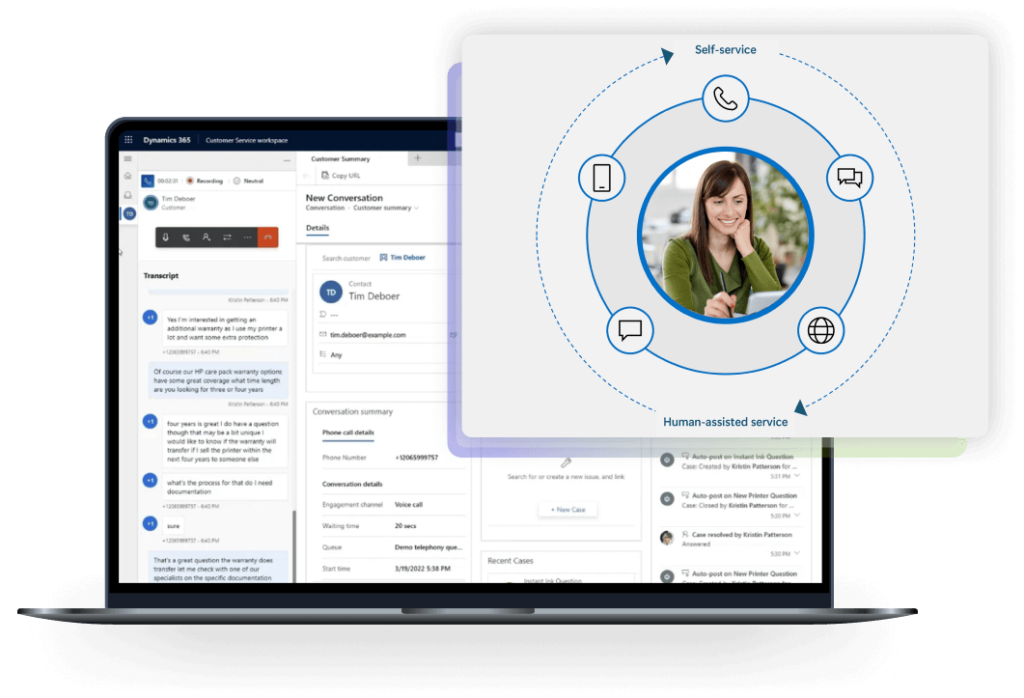
Addressing your most complex customer service challenges
Low CSAT scores?
Deliver deeply personalized interactions powered by AI, tailored for scale
Lengthy waiting queues?
Implement criteria-based intelligent routing for faster, more accurate query assignment
Poor service scalability?
Leverage a cloud-based platform designed for enterprise-level stability and uptime
Low data visibility?
Easily connect multiple complex data sources for a single, comprehensive source of truth
Integration with existing software
A composable system, D365 Contact Center seamlessly integrates with your existing CRMs and natively connects with Microsoft applications for a unified data landscape
AI-powered agent support

Over 2/3 of cases solved on first contact, driven by advanced agent tools and self-service capabilities

Faster query resolution

Improved agent matching

Stronger customer loyalty
AI-based chat and voice bot support
Intelligent query routing
Assign inquiries automatically based on multiple criteria, such as agent skill and experience, inquiry channel, conversation sentiment, real-time capacity, and more. Ensure optimal matching for every interaction across your large workforce.
Centralize all customer interactions – voice, chat, email, social, SMS – into a single-view agent desktop. Provide a 360-degree view of every customer, enabling consistent, personalized experiences regardless of the channel.
Automated and personalized communication
Analyze vast customer data, interaction history, and conversations with real-time translation within a single view to enable highly personalized communications. Automatically generate personalized emails, product suggestions, and responses to frequently asked questions.
Simple system integration
With over 1200 connectors, easily connect the Microsoft Contact Center solution to your enterprise systems and automatically synchronize customer data, order history, inventory, and more, equipping agents with immediate access to all the information they need to provide effective support.
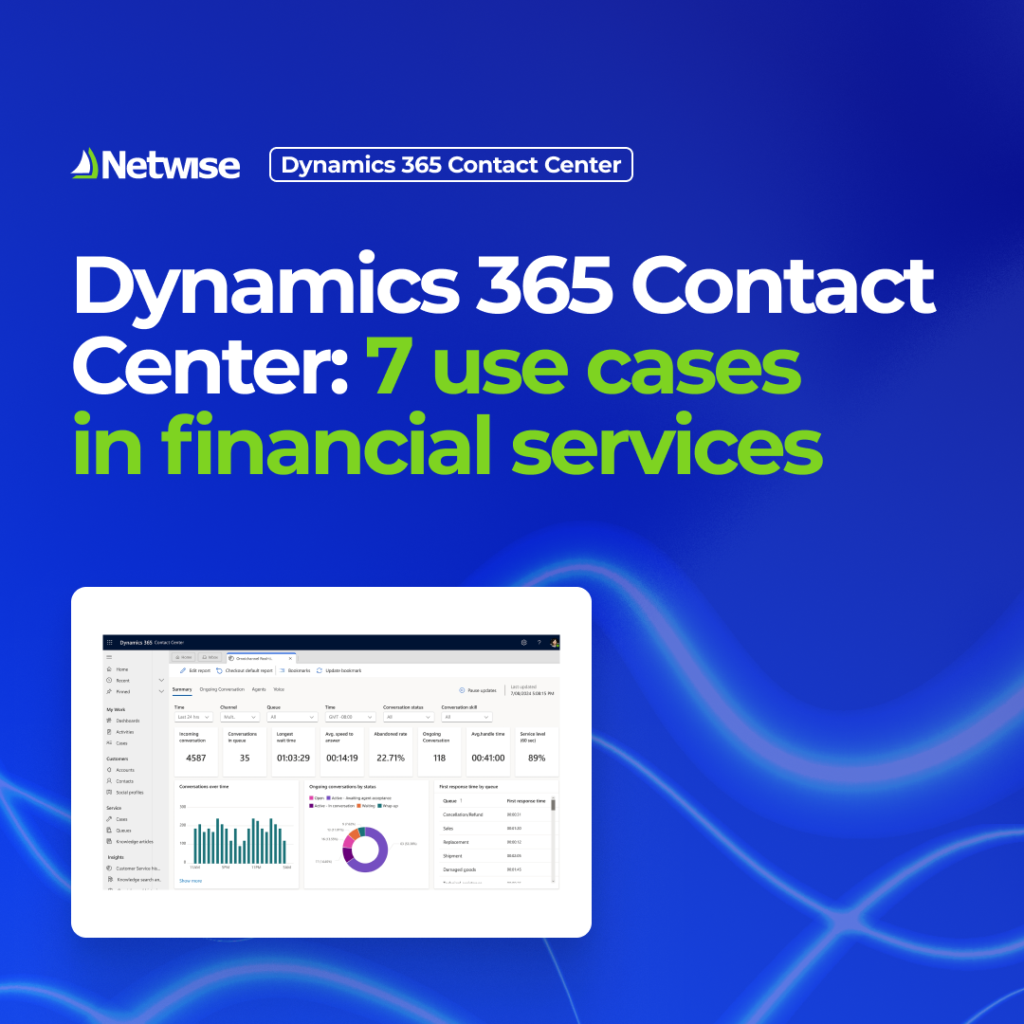
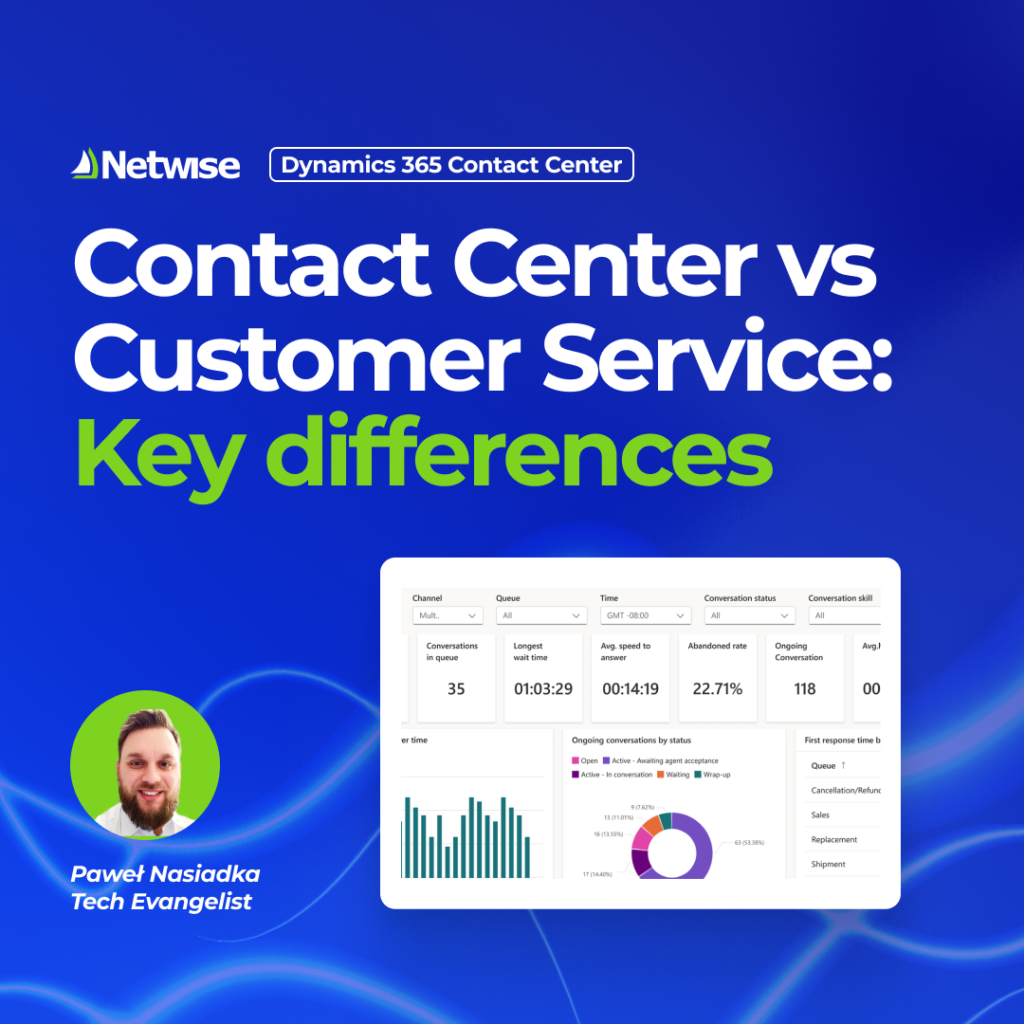
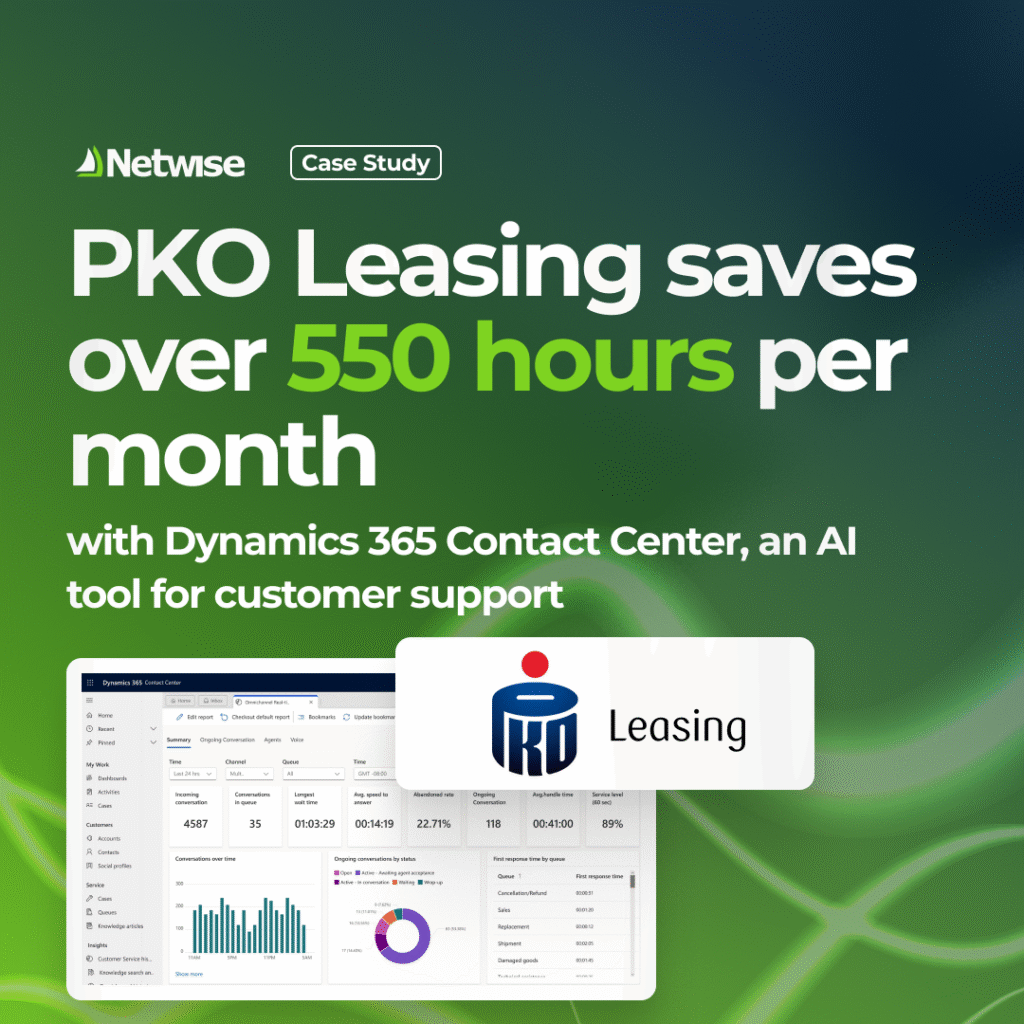
Dynamics 365 Contact Center is built for teams that handle many customer conversations every day, across phone and digital channels. It works best where agents need one place to manage calls, chats, messages, and customer history at the same time.
Choose Contact Center when basic case management isn’t enough. If you need advanced call handling, queue logic, multiple channels, or large agent teams, Contact Center is the better fit.
No. You can use Dynamics 365 Contact Center even if your main CRM is something else. Dynamics 365 works best, but it’s not required.
Yes. It can connect to Salesforce, ServiceNow, and other systems so agents can see customer details and work on conversations without switching tools.
You don’t need to rebuild everything. Your existing data and processes can stay where they are, while Contact Center adds routing, voice, and agent tools on top.
Yes. External systems such as ERP or billing platforms can be connected so agents can access important business data during customer conversations.
Voice calls are handled through Microsoft’s cloud phone platform. Calls, queues, and routing rules are managed directly inside the system instead of a separate phone tool.
Yes. Existing phone numbers can usually be kept, which helps reduce disruption when moving from another contact center solution.
Yes. Incoming conversations can be routed based on agent skills, availability, and customer context, not just first‑available rules.
Yes. Agents can work on several conversations and cases at once in a single workspace, without opening multiple systems.
Copilot helps by summarising conversations, highlighting useful information, and suggesting responses while the agent is talking to the customer.
Yes. AI features can be turned on step by step. Teams can start without AI and add it later when they’re ready.
In practice, timing depends on scope.
A basic setup (one or two channels, limited integrations, small agent team) can usually be launched in a few weeks.
More complex environments, for example voice migration, multiple integrations, or advanced routing, take longer and are typically rolled out in phases, not all at once.
Pricing is based mainly on agent licenses and the capabilities you enable.
Voice, digital channels, and AI features are licensed separately, so you only pay for what your contact center actually uses.
This makes it possible to start with a smaller setup and increase cost gradually as usage grows, rather than committing to a full contact‑center package upfront.