Picture a contact center agent who’s just finished a fifteen-minute call helping a customer restructure a payment schedule, and there are six people waiting in the queue. Before he can pick up the next one, he must type up what just happened: the details, the decisions, the follow-ups, filed against the right account. He does this dozens of times a day. So does everyone on his team. Multiply it across the floor, and you’re looking at hundreds of hours a month spent not on customers, but on writing about customers.
If you run a contact center in financial services, you know this reality well. The work is essential, the volume is relentless, and a surprising share of your agents’ day disappears into tasks that have nothing to do with actually helping the person on the line. Many of these operations still run on telephony systems built years ago, systems that are hard to change, expensive to maintain, and increasingly out of step with what your customers expect now that they can do almost everything else from their phones.
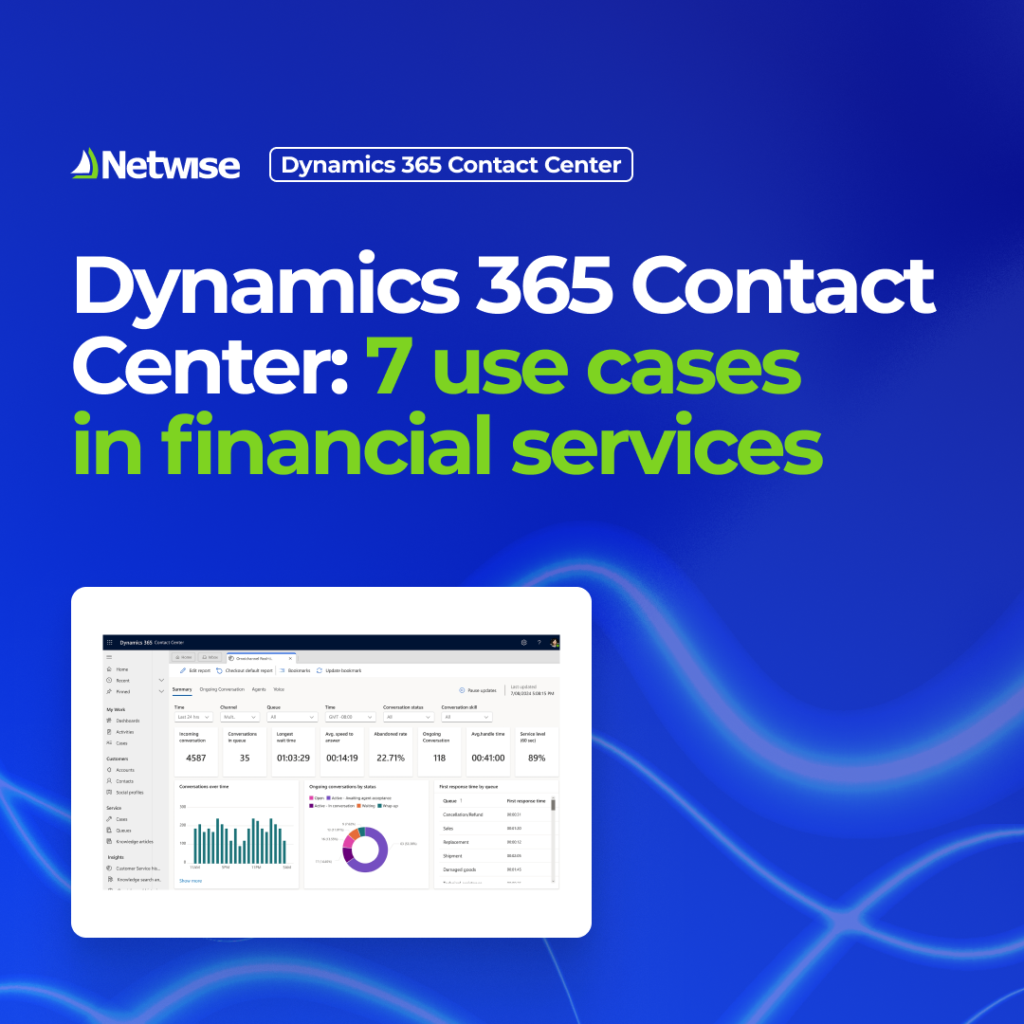
Microsoft Dynamics 365 Contact Center is a cloud-based platform built to close that gap. It brings voice and digital channels together, automates the repetitive work, and connects to the rest of the Microsoft tools your organization likely already uses, all without asking you to loosen your grip on security and compliance.
Here’s how financial institutions are putting it to work.
Use case 1: Automating call summaries and notes
Agents spend a large share of their time not talking to customers but writing up conversations afterward. At scale, this is a serious drain on productivity. A busy contact center can handle several hundred to well over a thousand interactions a day, and writing up each call by hand, often under time pressure, eats up a lot of agent time.
Dynamics 365 Contact Center handles this with Copilot-generated transcription and summaries. Calls are recorded, transcribed, summarized, and filed against the right account automatically. Additionally, the conversation summary can be generated using an administrator defined structured template with predefined summary sections. The time savings can be large, and agents spend more time on customers and less on paperwork.
Use case 2: Handling every channel in one place
Customers get in touch by phone, chat, email, and more, and they expect the experience to be consistent across all of them. When voice and digital channels sit in separate systems, agents can’t see the full picture and customers must start over each time.
Dynamics 365 Contact Center brings voice and digital channels into one workspace. Agents work from a single screen and can see the full history of a customer’s interactions and cases, whatever channel they came through. Firms that serve many banks or business lines can extend that view across the whole network while keeping each entity’s data separate.
Use case 3: Self-service with voicebots and chatbots
Not every question needs a person. Routine requests like checking branch hours, blocking a card, or changing a limit can often be handled faster by self-service, which frees agents for the harder cases.
Dynamics 365 Contact Center supports voicebots and chatbots that let customers resolve these requests on their own, by phone or in a chat window. Common banking examples include blocking a card, changing limits, or looking up branch locations, opening hours, and current offers, all with secure ways to confirm the customer’s identity. The aim is to handle as many requests as possible without an agent, without loosening security.
Use case 4: Sentiment analysis and routing
Knowing how a customer feels, not just what they’re asking, changes how a request should be handled. Paired with routing that sends each one to the right place, service gets faster and less frustrating.
Dynamics 365 Contact Center reads sentiment in real time across calls and chats, and routes them through IVR bots and a single routing system. A frustrated customer can skip the bot and go straight to an experienced agent, while supervisors get an alert the moment a conversation starts going badly, so they can listen in, coach quietly, or take over. Agents resolve inquiries faster and first-call resolution rates go up.
Use case 5: Feedback and reporting
Improving service depends on data: what customers tell you and what the numbers show about how the operation is running. In a regulated sector, that reporting also supports compliance.
Using Azure voice bots, Copilot Studio or Dynamics 365 Customer Voice, firms can run automated satisfaction surveys by phone or email and collect direct feedback. Agents and managers see call metrics, performance stats, and feedback in Power BI dashboards that update in real time. That reporting also helps meet regulatory requirements, such as those on resolution times.
Use case 6: Making changes without waiting on IT
Old contact centers often need IT to make even small changes, like adjusting an IVR menu, which causes delays. Business teams need to be able to make those changes themselves.
Dynamics 365 Contact Center lets teams customize the platform with low-code tools, including changing the IVR without IT. An admin module lets them manage the IVR tree, recordings, and agent calibration, routing configuration and build reports covering both live monitoring and historical data.
Use case 7: Security, compliance, and scale
Everything above must work within the financial sector’s security and compliance rules. Data protection and secure communication aren’t optional.
Because the platform runs in the cloud on Microsoft’s infrastructure, it’s reliable and easy to scale while meeting high security standards. Security can be built in from the start to meet the sector’s requirements for data protection and secure communication, with separate data handling where several institutions share the same setup. Integrations through Azure Communication Services, Azure Data Factory, Service Bus, and Power Automate connect the platform to existing telephony and internal systems and handle data processing automatically
The results
The case for change is clearest in the numbers. In one deployment led by Netwise for a leading leasing company, a full rollout produced:- Over 550 hours a month saved on call summaries alone
- A 5-point rise in Net Promoter Score within nine months
- Higher first-call resolution rates
- Better overall satisfaction scores
That company was the first in the Microsoft CEMA region to run Dynamics 365 Contact Center, and the first to put it into production in Poland. You can read the full story in the PKO Leasing case study.
Conclusion
With the write-ups handled, the full customer history on one screen, and the routine requests peeled off by a bot, the queue moves faster, and every conversation agents do have is one where they’re genuinely needed. That’s the real point.
Dynamics 365 Contact Center brings the automation, the channels, the AI, and the security together on a platform that grows with you. The results are concrete: real time saved, happier customers, and room to keep improving. If you’re ready to modernize customer service without giving an inch on compliance, it’s a combination worth taking seriously.