The Dynamics 365 security model can feel complicated at first, but most real problems don’t come from the number of features. They usually come from a few design choices that weren’t fully thought through early on – especially around Business Units and security roles.
This article focuses on three areas that tend to matter the most in real environments:
- Business Units and default teams
- What happens to security roles when users move between Business Units
- What the modern cross Business Unit security model actually changes
Business Units and default teams
Every user in Dynamics 365 belongs to exactly one Business Unit. What’s less obvious is that the system also automatically adds that user to the Business Unit’s default team.
This is important because:
- security roles can be assigned to teams,
- every Business Unit has one default team,
- users can only be in one default team at a time.
Thanks to this setup, you can move a user between Business Units without manually changing team membership. The system handles it for you.
At the same time, this means Business Units have a much bigger impact on security than they might seem at first. Data visibility, role behavior, and access boundaries are all tied to the Business Unit structure. If that structure doesn’t match how data should be accessed in practice, things usually get harder to manage over time – often leading to more sharing rules or more complex roles than originally planned.
Why security roles are removed when a user changes Business Units
When you move a user to a different Business Unit, their security roles are removed. This often surprises people, but it’s a direct result of how roles work.
Security roles are:
- created inside a specific Business Unit,
- copied to child Business Units,
- linked to the Business Unit hierarchy.
It’s also possible to have roles with the same name in different Business Units that don’t have the same privileges. Because of this, the system can’t safely assume which roles should apply after a Business Unit change.
Removing all roles is therefore the safest option. Automatically keeping or reassigning roles based on names would be unreliable and could lead to incorrect access. In practice, this means Business Unit changes should be relatively rare and planned, rather than something that happens frequently as part of day-today user management.
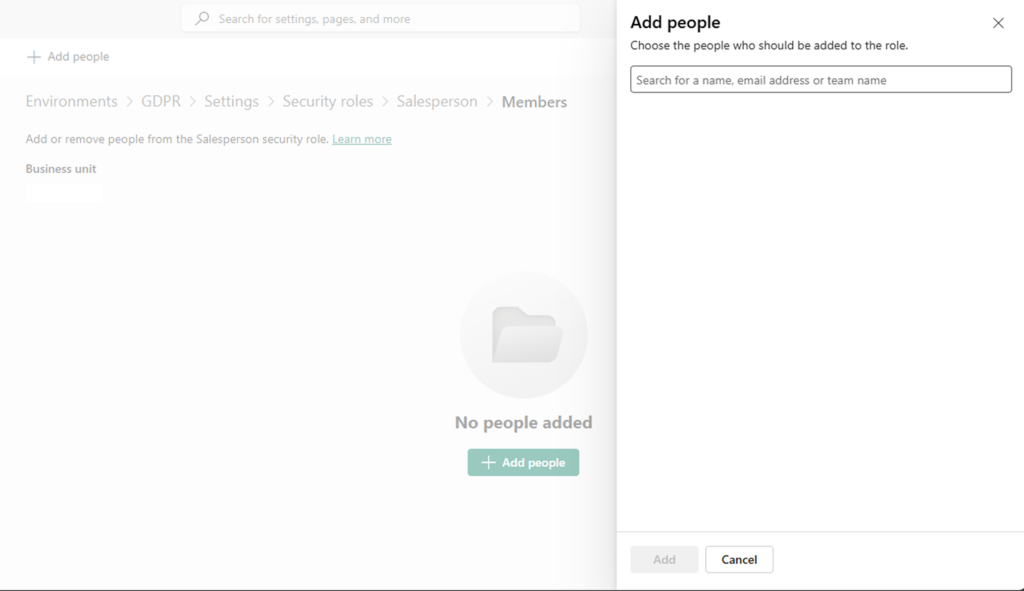
Assigning roles across Business Units in the modern security model
The modern Dataverse security model allows users to be assigned security roles from Business Units other than their own. This removes a longstanding limitation and makes several common scenarios easier to implement.
Typical examples include:
- users who work with data across multiple Business Units,
- reducing the need for record sharing,
- creating shared Business Units for common datasets,
- simplifying security in larger environments.
Used well, this approach can make access management cleaner and easier to reason about. It can also reduce the number of sharing rules and POA entries, which helps with performance and maintenance.
At the same time, it requires some discipline. Assigning roles across Business Units makes it easier to grant broad access, so regular reviews and clear role definitions become even more important. A solid Business Unit design is still the foundation – the modern model doesn’t replace that.
Summary
The Dynamics 365 security model is consistent, but it expects intentional design.
In practice:
- design the Business Unit structure first,
- keep Business Unit changes for users intentional and limited,
- use cross Business Unit roles to simplify access, not to work around poor structure.