New features:
Skills
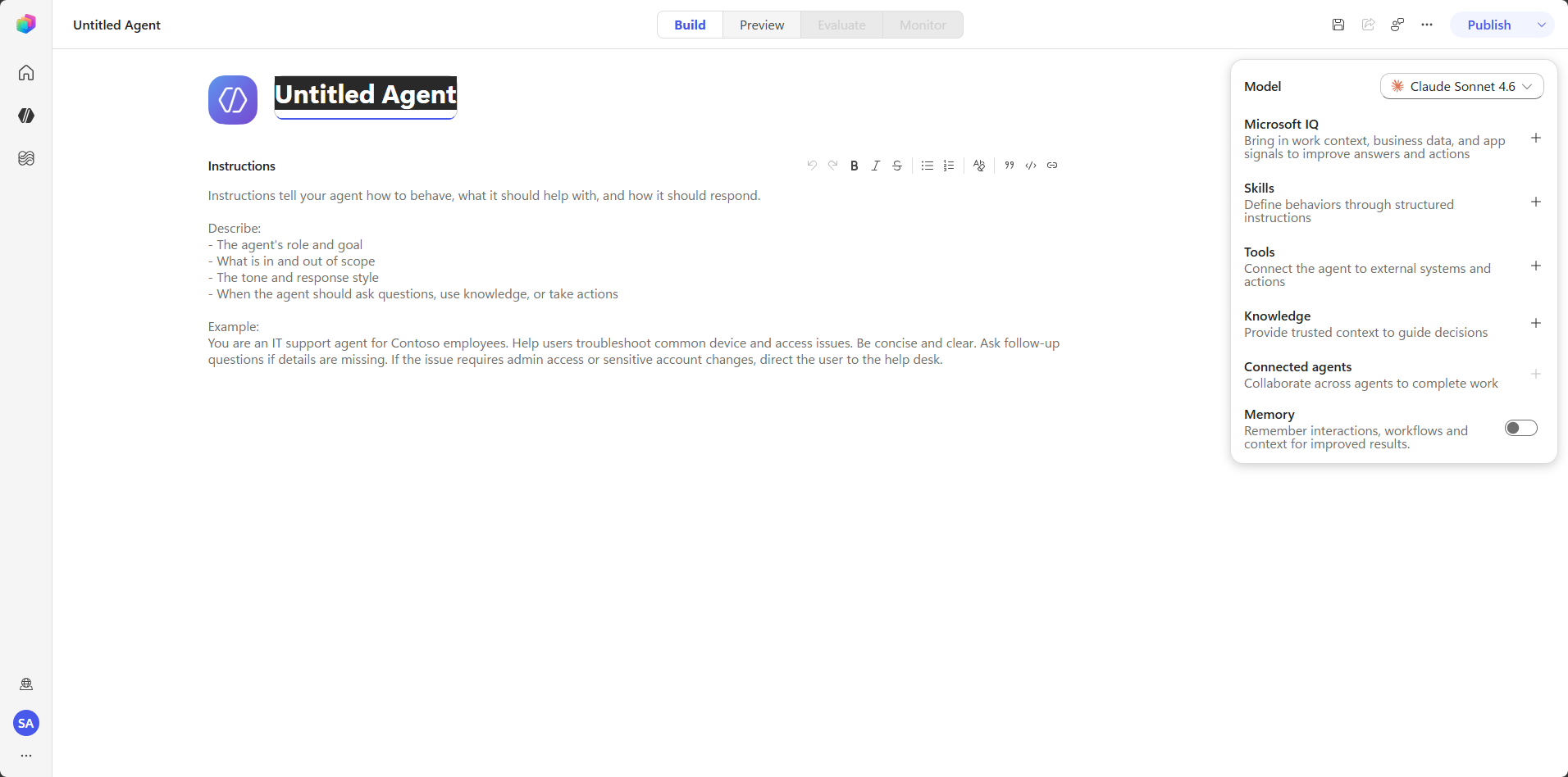
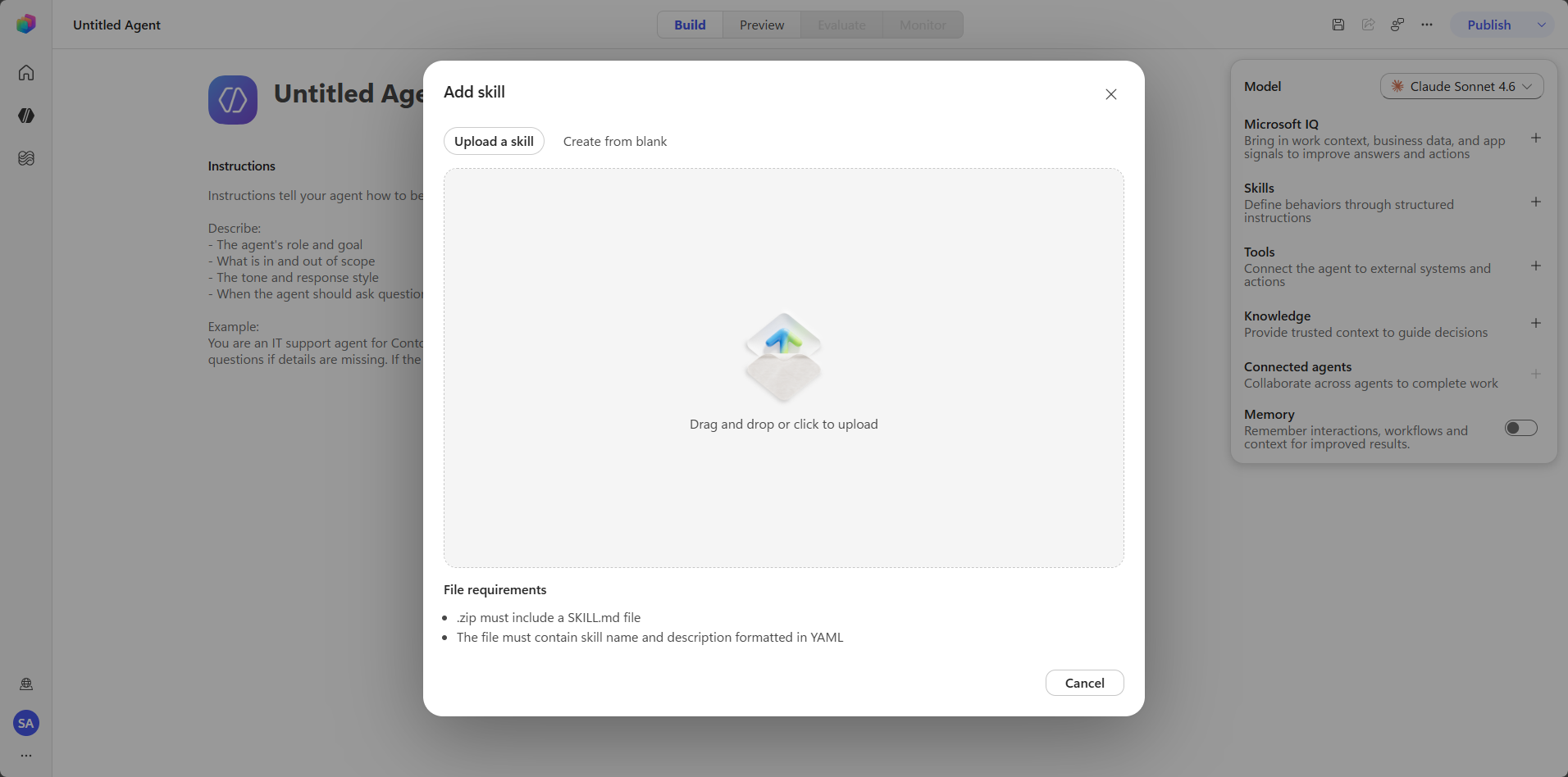
This is the biggest change. It is now possible to create skills for Copilot Studio Agents, built as files with the .md extension. This means you can build entire libraries of skills and reuse them across different Agents.
Memory
Agents created in Copilot Studio can now hold context. So if a user writes “remember that my branch is the Warsaw Branch,” the Agent will remember it, even after starting a new session.
End User preview
With the new LLM models available in Copilot Studio, the way responses are presented in the test window has changed. While testing, you can now see how the Agent arrives at its final answer – its reasoning process, followed only at the end by the actual answer. This would confuse the end user, so it isn’t shown when using the published Agent. The End User Preview feature lets you see exactly what the end user will see after the Agent is published
Features missing in the New Experience
Triggers
Yes, triggers are gone. But don’t worry; this is simply a side effect of the new Workflows. If you want an Agent to act autonomously, you create the Agent and then build a workflow with the appropriate trigger.
Topics
Yes, the ability to build decision trees for structured logic is gone for good in the new interface, and it’s not yet clear whether anything will replace them. If AI ends up replacing them, that would be a weak move on Microsoft’s part: Topics were simply the cheapest option and, in many scenarios, completely sufficient. So far, there’s no substitute other than Instructions.
Embeded Agents
Until now, there were two ways to build a multi-agent solution:
- Connected Agents – each Agent is built and deployed separately, then all are connected to a so-called Orchestrator.
- Embeded Agents – Agents directly attached to the Orchestrator, published together with it as a single unit, via an “Agents” tab alongside “Knowledge” and “Tools.”
ATTENTION!
The old and new interfaces use completely different architectures, so it isn’t possible to move an Agent built in the Classic Experience (the name for the previous version) to the New Experience, or vice versa.